How Flowdrive Helps Agency Look More Professional to Clients
Make every client interaction feel polished with Flowdrive’s branded links, secure files, and video hosting.
September 30, 2026

Avoid 3 file-sharing mistakes that hurt your brand. Protect files with secure links, branded domains, and encryption using Flowdrive.
September 26, 2025 · Best Practices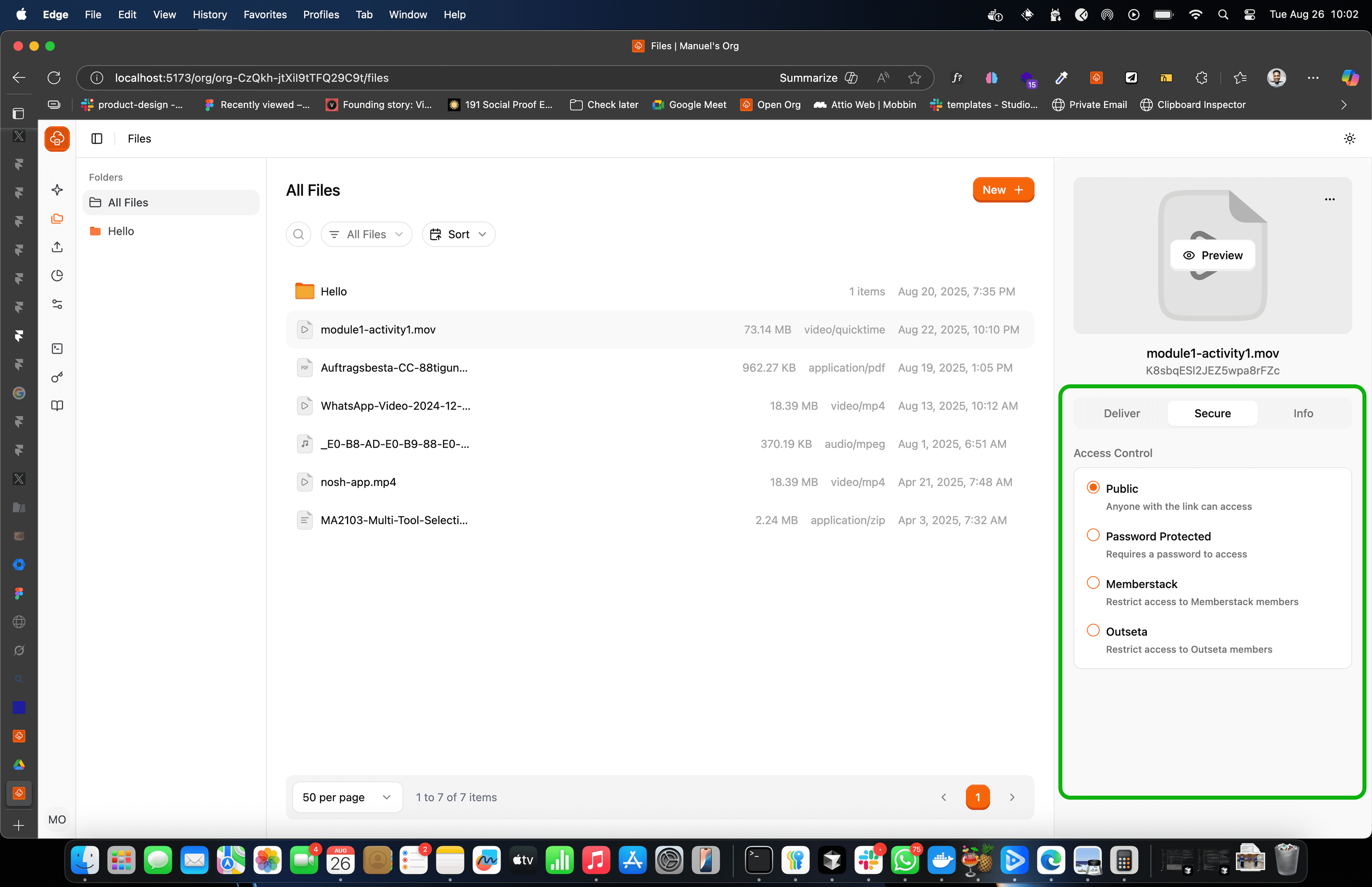
In December 2024, a small but popular link-protection service (we are leaving the name out for obvious reasons) had its entire database exposed. Thirty million “secure” file links were suddenly public. Bots swept them up, ransoms were demanded, and when nobody paid, the attackers wiped everything. Years of trust and user data vanished overnight.
That incident is a harsh reminder that every file you share reflects your business. If your links feel insecure or unprofessional, people notice. And in today’s digital-first world, where trust is a currency, once you lose it, you lose customers.
Here are three of the most common file-sharing security mistakes businesses make, and how Flowdrive helps you avoid them.
“Anyone with the link can view.” It sounds convenient until your premium online course shows up on a free forum, or a client’s confidential documents land in the wrong Slack channel. Once a link is posted online, you have lost control, sometimes a portion, often all of it. Bots and scrapers constantly scan for exposed links. What feels like a shortcut can quickly turn into lost revenue, broken trust, and legal risks.
Flowdrive allows you to lock files behind authentication layers like Memberstack, Outseta, or simple password protection, so only authorized or paying customers or authorized team members get access. This keeps you and your clients protected.
When someone clicks a download link from you, the URL matters more than you may think. A generic third-party link can feel spammy or unsafe. And with phishing scams everywhere, trust starts the moment someone hovers over your link.
A branded domain (like yourcompanyfiles.com) immediately reassures people that the file is legitimate, professional, and truly yours. It is a small detail that delivers a big impact on credibility.
Flowdrive makes it simple to serve every file from your own custom domain, so every interaction reinforces brand trust instead of chipping away at it.
Using public Wi-Fi in coffee shops, coworking spaces, hotel lobbies they feel convenient, but they are also dangerous. Public Wi-Fi makes it easy for attackers to intercept uploads, downloads, or even shared links. Often, you may never realize your data has been compromised until the damage is done.
Flowdrive encrypts every transfer end-to-end. Even on the most insecure public network, your files remain protected. You have the freedom to work without risking your business or your reputation.
Most businesses do not lose trust in one dramatic event. It slips away through small, avoidable moments: an insecure link here or a suspicious URL there. Flowdrive closes those gaps. Every link you send, every file you share is secure.
Unlimited file hosting for Webflow projects.
Make every client interaction feel polished with Flowdrive’s branded links, secure files, and video hosting.
Learn why your Webflow bandwidth bill is high and how to fix it with simple optimizations and external hosting.
Flowdrive and Uploadcare both simplify file uploads for websites and apps. This blog compares how each handles storage, delivery, limits, and bandwidth.